Web Design vs Web Development: What’s the Difference?
Author :
- What Is Web Design?
- Types of Web Design
- Key Responsibilities of Web Designers
- Tools Used by Designers
- Skills Needed for Web Designing
- What Is Web Development?
- Types of Web Development
- Key Responsibilities of Web Developers
- Tools and Technologies Used for Web Development
- Skills Needed for Web Development
- Web Design vs Web Development: Key Differences Between the Two
- Web Design vs Web Development: Overview of Differences
- Similarities Between Web Design and Web Development
- 7 Steps of the Web Design and Development Process
- 4 Basic Principles of Good Web Design and Development
- Latest Web Design Trends You Need to Follow
- Web Design vs Web Development: Which Career Path Should You Choose?
- Get Started With Artisticore for Your Web Design and Development
When you are using a Website, it seems like things fall into place themselves. But that doesn’t happen by coincidence.
In fact there’s a lot going on behind the curtains that make things appear on a site.
There are two things that bring every site to life. They are web design and web development. They are two sides of the same coin.
Most people confuse the two as one and ask, “Is web design and web development the same?” But they are two very different things.
The first side of the coin is web design. It is the creative side. The design deals with how a site looks, feels, and is easy to use, for that matter. On the other hand, there is web development.
Web development is all about making the design work. It does so by writing code, building features, and making sure everything works well.
Both are important because a site needs to look good as well as work well. That is why we talk all about web design vs web development in this blog and find out what is website design and development.
We will also break down the differences between web development & design.
More so, we will give tips on which career path you should pursue if you want to work in this domain.
So, without any further ado, let’s get right into it.
What Is Web Design?
Web Design is about the look and the user experience of a site. It focuses on the colors, layouts, and fonts used in the site.
Web design is the general style of the site. Its purpose is to attract the eye of the viewer. However, this is not the only aspect of web design.
It also guarantees the user-friendliness and navigation of the website. Good design leads the users in a non-distracting way through the site.
More so, it creates a positive experience for them. It also allows users to find information easily and quickly.
Ready to Build a High-Performing Website? Let Artisticore Bring Your Vision to Life!
Types of Web Design

There are different Types of Web Design. If you are wondering, “Is web design the same as UX design?” then the answer is no, they aren’t.
Web design isn’t just one thing. It has different types that focus on how a website looks, works, and feels for users visiting it.
Therefore, the differences of UX design vs web design are as follows:
User Interface Design
UI design refers to the areas of a site that the users interact with. These things are buttons, menus, and forms.
The role of designers is to make these components attractive and friendly for users. A nice UI removes user errors. More so, it helps them in locating their desired items without any hassle.
User Experience Design (UX)
UX design is all about the experience that a user has with the site. The main idea is to create seamless navigation and to have content that is readable.
More so, the site must be easy to interact with. This way, the users can spend their time online comfortably as well as achieve their objectives in no time.
Visual Design
Visual design is the artistic part of a site. It consists of colors, fonts, images, and layouts. All of these make the site look good.
More so, these things grab the user’s attention and showcase the brand’s identity.
Key Responsibilities of Web Designers

In order to know what’s the difference between web design and web development, we must know what is a web developer vs web designer.
Therefore, the responsibilities of web designers for UX vs web design are as follows:
Creating Wireframes and Mockups
Wireframes and mockups are created by designers as blueprints for a site. These visual representations show the positions of the elements.
More so, they show the flow of the Landing Page and the whole site planning before the coding begins.
Choosing Colors, Typography, and Imagery
Web designers are in charge of choosing the colors, fonts, and images and adding them to a site. They make sure all of these things go well with the Brand Identity.
On top of that, they ensure that these elements attract the users. These choices influence the mood, manner, and the site’s visual look.
Crafting Intuitive Navigation and UX Flows
Web designers are responsible for creating navigation menus and user flows. They do so with the idea that users move through the site with ease.
More so, they make sure that the navigation provides a good user experience. This is a way to increase the user’s engagement.
Tools Used by Designers
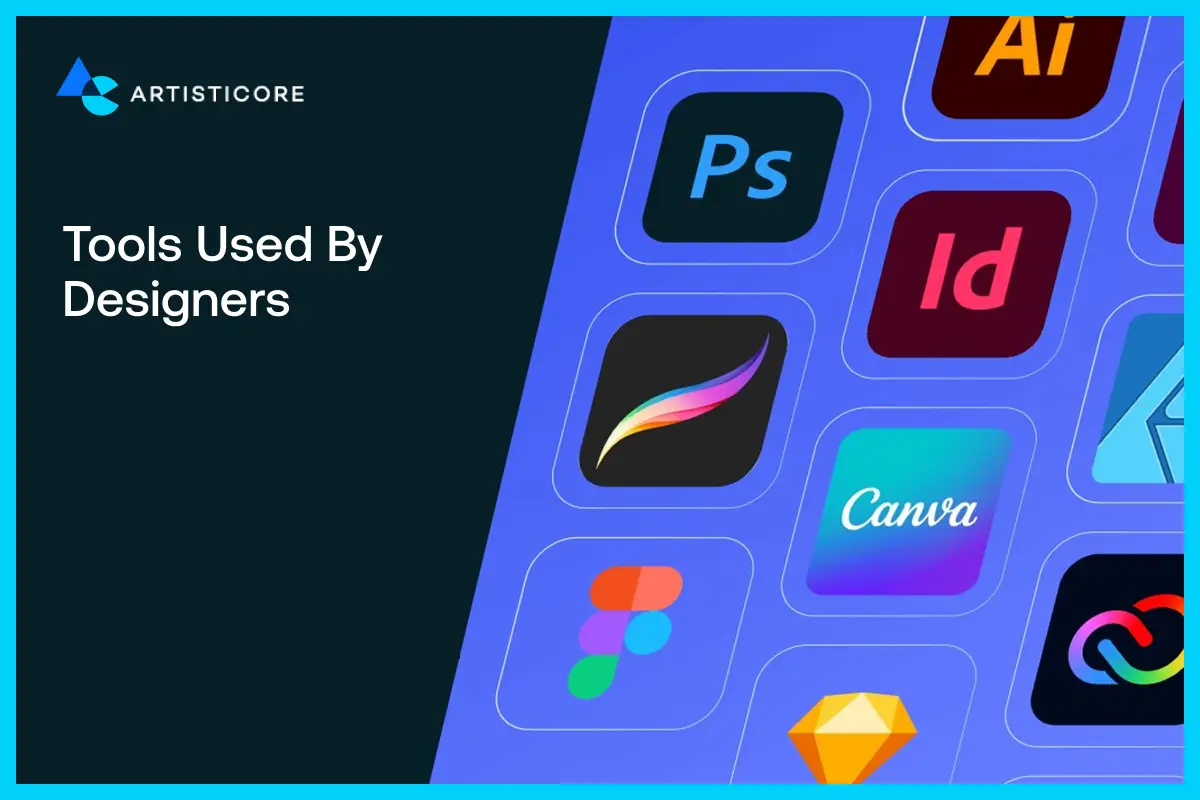
Web designer professionals use a number of tech and tools to make sites. Among the leading ones for the design and prototype are Figma, Adobe XD, and Sketch.
Additionally, Canva, Photoshop, and Illustrator are the finest ones for graphics and visual components.
Therefore, these tools work together and assist smoothly in the planning, designing, and expressing of the creative ideas.
Skills Needed for Web Designing

The skills that every designer needs for web design are as follows:
Visual Design Skills
Good visual design skills allow designers to make beautiful layouts, select nice colors, and pick the right fonts.
With these skills, they can develop sites that look good. More so, they can create sites that are in harmony with the brand’s voice and identity.
UI and UX Principles
The knowledge of UI and UX principles is very important when creating sites. These principles help create sites that are easy to navigate.
More so, designers can create interfaces that are friendly and smooth for users to connect with, no matter what device they use.
Creativity and Prototyping
Designers must be creative. It is their engine that drives them to step beyond limitations and imagine ways to put together designs that are quite unique.
Prototyping helps test the ideas. More so, it helps plan the website’s layout. This way, designers can make the site’s features and functionalities more user-friendly before they are implemented.
What Is Web Development?

Web Development is the process of turning a website design into a fully working site. In the world of web development, developers are the people who write code to create the structure.
More so, they add functionality and features to sites to make them run well. They are responsible for every aspect of the site. They create navigation, buttons, and forms.
More so, they set up the databases and servers. All in all, web development is what adds life to the designs. It ensures that the users can use the site as the designer wanted them.
Types of Web Development
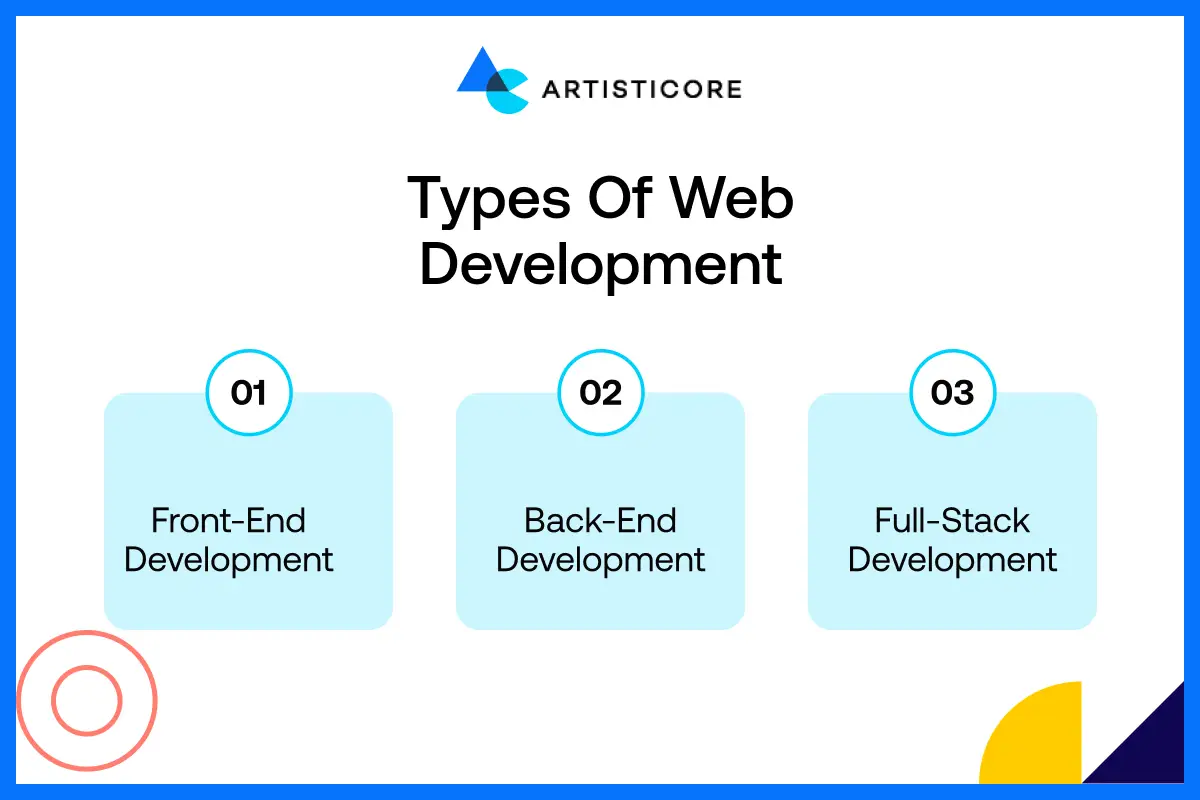
There are three types of web development. We will break down the difference of web programming vs web development.
Therefore, the types for coding vs web development are as follows:
Front-End Development
Front-End Development represents the site’s side that is visible to the users. It concerns the areas that are both visible and interactive.
For the front end, devs produce everything that the user can see, such as pages, buttons, menus, and so on.
They do that by means of HTML, CSS, and JavaScript. Besides, front end development guarantees that a website is attractive.
Furthermore, it guarantees that all the elements will work seamlessly on PC, tablets, and smartphones.
Back-End Development
Back-end development takes care of the invisible parts of a website. It interacts with servers, databases, and APIs in order to keep and control user accounts and ensure the site is operating correctly.
Full-Stack Development
Full-stack developers are involved in the entire process of developing a site. They work on the front end and the back end.
More so, they are capable of creating an attractive user interface while at the same time managing the server, database, and functionality.
They are the ones with skills that are adaptable enough to create full websites. So, the comparison of web programmer vs web developer doesn’t apply to full stack developers.
Key Responsibilities of Web Developers
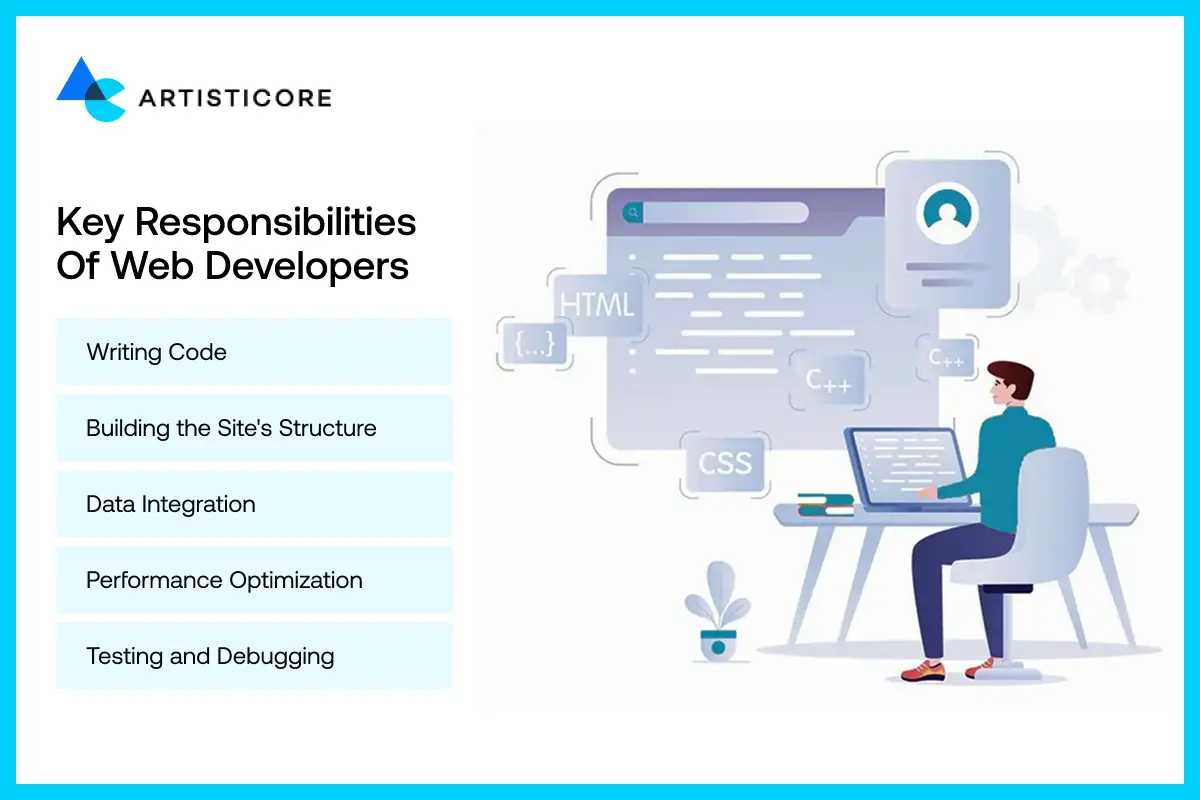
To completely know the difference between web designer and web developer, we must look at what a developer does. Therefore, the responsibilities of a web developer are as follows:
Writing Code
Developers use various programming languages such as HTML, CSS, and JavaScript to write code.
They write code to implement the features of a site. The writing of code is the very basis that enables a site to be interactive and functional.
Building the Site’s Structure
The devs create the site’s basic architecture and layout. More so, they specify pages, menus, and links.
They also make sure that everything is structured in a way that is logical and user-friendly.
Data Integration
Web devs link sites with databases, APIs, and other systems. This way, the site is able to perform actions such as storing, retrieving, and showing info. An example of this is user accounts and product listings.
Performance Optimization
Web devs optimize the site to improve its speed and performance. They cut down loading times to seconds.
They increase its responsiveness. Also, they ensure the site works well on all devices and browsers.
Testing and Debugging
The process of testing and debugging is performed by the developers. This goes through the whole website’s code and finds bugs, then discards them. Developers do tests too. They do tests for features, compatibility, and speed.
Tools and Technologies Used for Web Development
Web developers use a lot of tools and tech to create sites. These are as follows:
Frameworks
Devs use frameworks such as React, Vue, and Angular. With these frameworks, they can create websites much quickly.
These frameworks give code that is already written. They also give the components that are ready to be used. Thus, they make the development more efficient and orderly.
Languages
Programming languages for web development, such as JavaScript, PHP, Python, and Ruby, are the ones used for the site’s code. They make the site interactive, dynamic, and completely functional for the users.
Databases
MySQL and MongoDB are among the database systems that store and arrange the data for the sites.
Devs link the sites with these databases to enable the user to save data, retrieve the content, and interact with the site.
Skills Needed for Web Development

The skills needed for web development are also what shed light on the comparison of design vs development. Therefore, the skills needed for development are as follows:
Coding Skills
The first and foremost skill every dev needs to have is coding skills. A dev should master the programming languages HTML, CSS, JavaScript, and Python very well.
Because of these skills, they can do everything, like building a website, troubleshooting, and adding features.
Problem-Solving and Logic
The devs must possess problem-solving skills. They must have these skills so that they can become a bug detector, a problem-solver, and a solution finder all rolled into one.
More so, having logical reasoning will result in the site being correct in its functioning and the same for users at all times.
Understanding Servers, Hosting, and Databases
Devs must have an understanding of servers, hosting, and databases. This is a necessary skill for web developers.
This understanding, in turn, will help devs control the performance of the site. Also, it will help them manage the data. This will ensure the site is accessible to the users without any hassle.
Looking to Improve Your Online Presence? Partner with Artisticore to Create Conversion-Focused Websites!
Web Design vs Web Development: Key Differences Between the Two
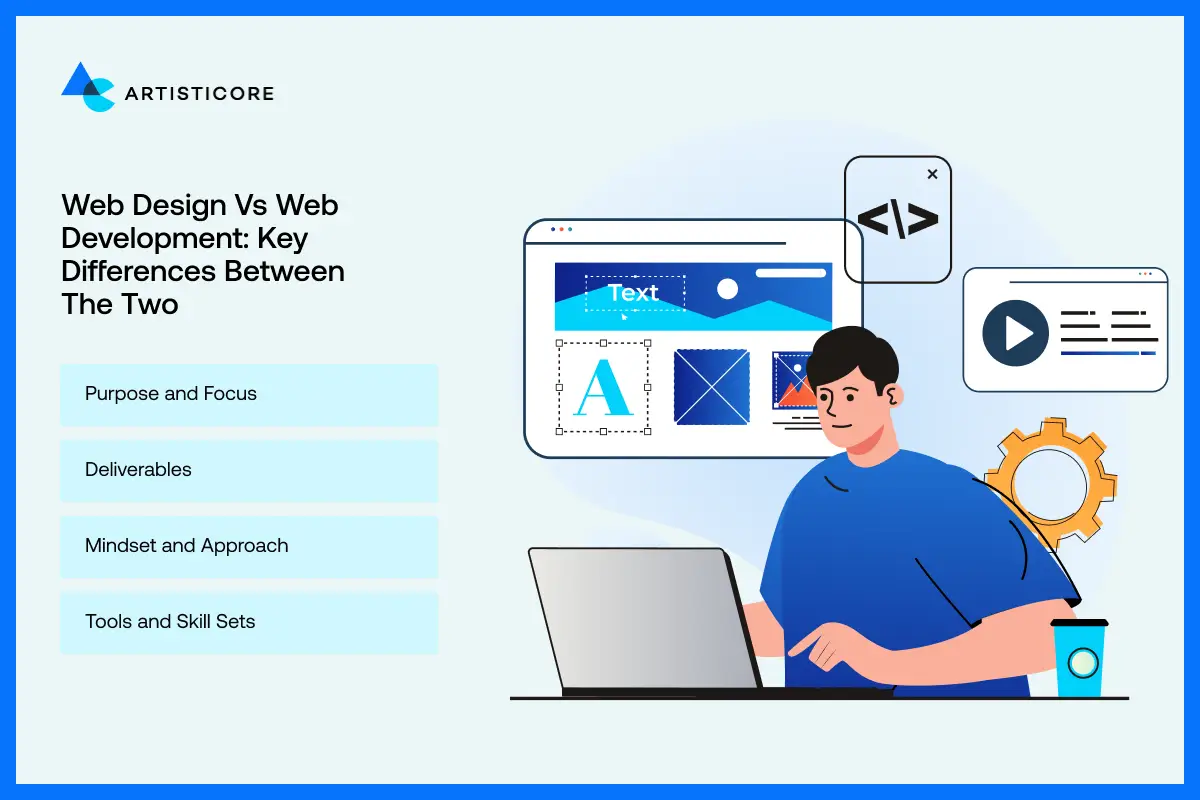
Now we can begin with the comparison of web design vs web development. Web design and web development differ in a lot of ways.
So, let’s look at how web designing & development compare:
Purpose and Focus
Both web design and web development have different objectives. So, the purpose of web design vs web development is as follows:
- Design: It is all about layout and graphics. They all contribute to making the site look nice and usable for visitors.
- Development: The focus is functionality, performance, and technical implementation. This makes a site work properly on all devices.
Deliverables
Designers and developers create different outputs: Therefore, the web design vs web development deliverables are as follows:
- Designers: They deliver wireframes, mockups, and prototypes. They show how the site will look and behave.
- Developers: They write code to create and deliver working sites. They add features that make the site usable for users.
Mindset and Approach
Both the website developer vs website designer approaches are different. Here’s how web development vs UX design looks for approach:
- Designers: They think with imagination regarding aesthetics, layouts, and user experience for making sites look good.
- Developers: They think logically and focus on coding. Their areas of approach are performance and functionality to make sites work well.
Tools and Skill Sets
Web Designers and developers use different tools:
- Design Tools: Figma, Adobe XD, Sketch, Photoshop, and Illustrator. Designers use these to create visual elements.
- Coding Tools: HTML, CSS, JavaScript, Python, frameworks, and databases. Devs use these to create functional sites.
Web Design vs Web Development: Overview of Differences
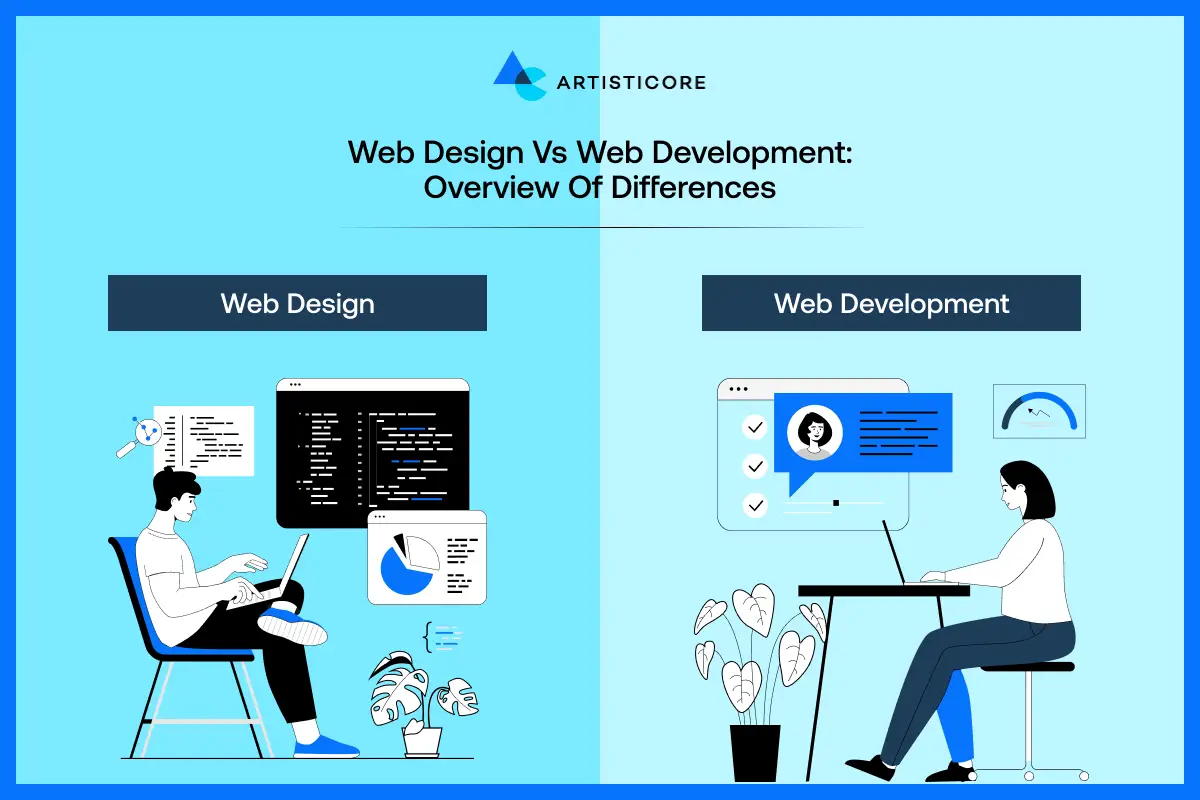
Here’s an overview of the differences of web design vs web development:
| Aspect | Web Design | Web Development |
| Primary Focus | Visual appearance, layout, and UX | Functionality, structure, and performance |
| Mindset | Creative and visually-oriented | Logical and problem-solving |
| Main Output | Wireframes, mockups, visual prototypes | Functional websites, applications, and code |
| Core Tools | Figma, Sketch, Adobe XD, Photoshop | HTML, CSS, JavaScript, Python, PHP, databases |
| Role Types | UI Designers, UX Designers, Visual Designers | Front-End, Back-End, Full-Stack Developers |
Similarities Between Web Design and Web Development
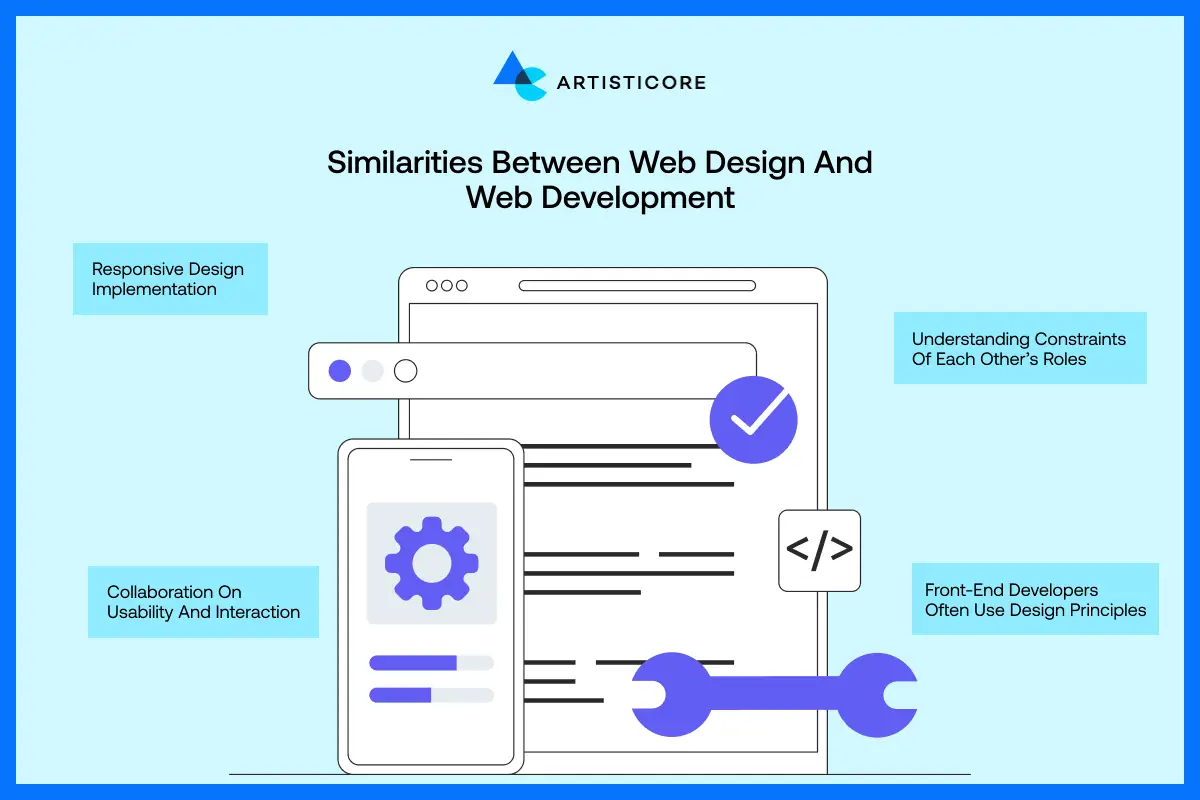
Even though web design vs web development is a thing, they share a few similarities too. They are as follows:
Responsive Design Implementation
Design and development teams work with each other to make sites more responsive. They also make the site usable for different devices. More so, both teams optimize the site for PC, tablets, and mobile phones.
Collaboration on Usability and Interaction
Web designers work in collaboration with the web developers to enhance the website’s useful aspects.
They connect on subjects such as how users are using the buttons, menus, and forms. Through their cooperation, the site experience can be made hassle-free and enjoyable for everyone.
Understanding Constraints of Each Other’s Roles
Designers understand coding limits, and developers understand design choices. This mutual understanding helps create realistic, functional, and visually appealing websites without unnecessary frustration.
Front-End Developers Often Use Design Principles
Front end devs use design principles as well. When they are writing code, they follow principles for White Space, layout, color, and fonts. Doing so ensures that the site is developed as per the designer’s vision.
7 Steps of the Web Design and Development Process

Now that we have gone through the comparison of web design vs web development, let’s look at how a site is made. There are seven steps in the web design and coding process. They are as follows:
Step 1: Discovery and Planning
The initial phase is the ideation and discovery phase. This is where teams get to know the project.
During this time, designers and devs hold a meeting with the clients in which they talk about the goals, audience, and specifications.
The team prepares a document that gives the flowchart of the site along with its functionalities and time frame to assist with the whole project.
Step 2: Wireframing and Prototyping
The Website Layout is visualized by designers through wireframes and prototypes. This indicates the placement of content, images, and navigation.
More so, it gives the chance to the teams and clients to check the ideas. This way, they can make alterations prior to the start of development.
Step 3: UI design and Asset Creation
The designers are responsible for the visual style. This consists of the colors, fonts, buttons, and images.
They make all the graphics and assets as well. All of it is handed over to the developers in order for them to begin the process of creating a functional website from the design.
Step 4: Front-End Development
HTML, CSS, and JavaScript are the main techs that front end developers use to realize the design.
They also guarantee that the pages look good as well as function well. More so, they make the site responsive on every device as well as all screen sizes.
Step 5: Back-End Development
Back end developers work on the site’s server, database, and application logic. Their job is to make sure that data is stored securely.
More so, they add features that work properly. They also make the site smooth and accessible to all users.
Step 6: Testing and Launch
QA testers carry out tests on the site before making it live. They test it to eliminate errors, broken links, and bugs.
They also improve the speed, responsiveness, and compatibility with browsers. The launch of the website for users follows the stage where nothing but perfect working conditions are met.
Step 7: Maintenance and Support
Teams offer continuous site maintenance after the launch. This helps make the site safe with updates that keep it running well. Devs do bug fixing, feature updates, and make improvements over time.
4 Basic Principles of Good Web Design and Development

Now that you know whats the difference between web design and web development, there are 4 main principles of good web design and development. They are as follows:
Layout and Navigation
A layout that is easy to read and navigation that is straightforward help users to know where to find the information.
The structure of the site in terms of menus, areas, and pages is such that it is very friendly to the visitors. And at the same time, it does not lead to any confusion or irritation.
Engaging Content
The content on the site must be interesting. More so, it must be clear and helpful as well. The use of engaging texts, images, and videos will attract visitors to the site for a longer time. More so, it will encourage their interaction with the site.
Visual Appearance
A website that is easy on the eyes is the one that ticks. That site makes good use of color, typography, Logo Design, and pictures.
An attractive layout gives a PRO look. More so, it is in line with the brand and makes the site a pleasure to visit for users.
Functionality
Websites have to run without any issues on all platforms and browsers. The site that works nicely, has fast loading, has links that work, has interactive features, and has no errors at all, is the one that gives a user a much better experience.
Latest Web Design Trends You Need to Follow
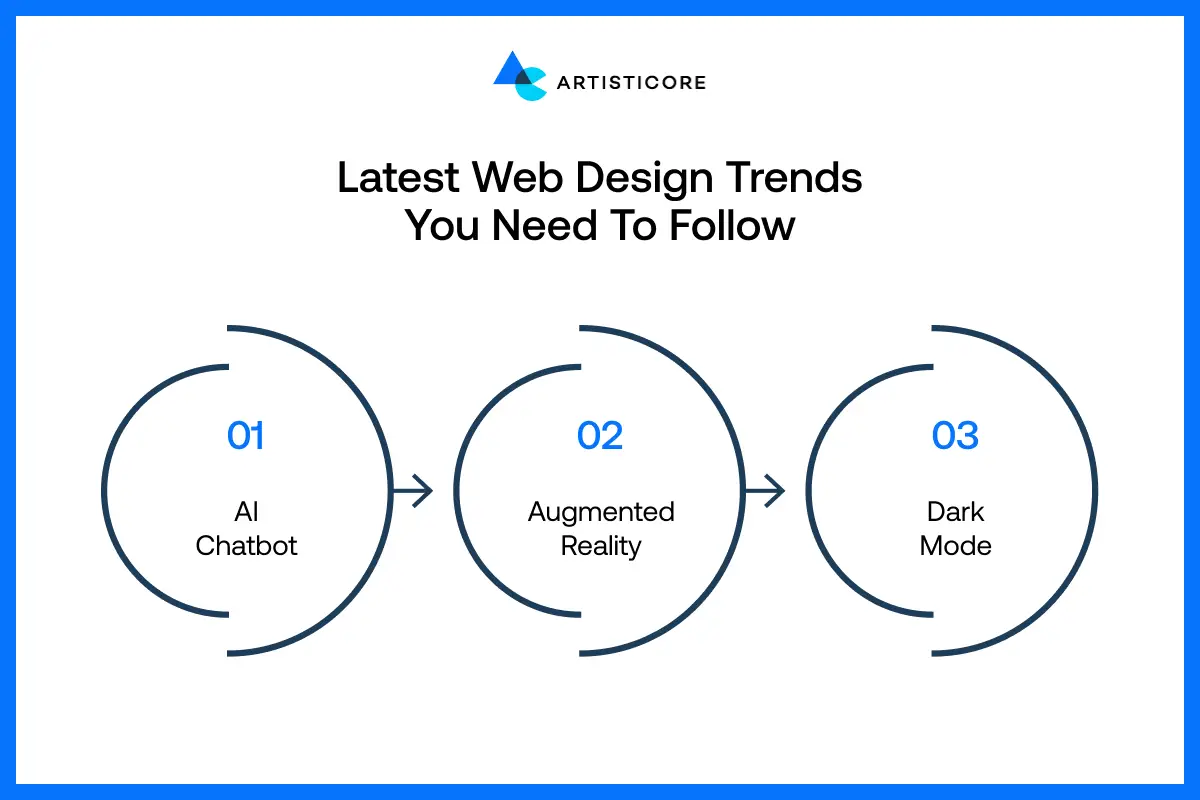
Web design is always evolving, and that is why staying updated with these latest Web Design Trends is a must:
AI Chatbot
Using AI chatbots on sites is a rising trend. They provide immediate responses to visitor queries.
More so, they lead users through the site and enhance the quality of support. Therefore, it is a plus to have for any site.
Augmented Reality
Websites can now be equipped with augmented reality (AR). It adds a whole new dimension to the interactive and real-world experiences.
AR displays products like 3D models. More so, it creates virtual experiences for the user. Therefore, this raises the level of interaction and makes it more thrilling.
Dark Mode
Dark mode is one of the most favored design trends. It is the main reason people get tired of their eyes less; it is fashionable, and it gives a contemporary look to the sites while at the same time letting users pick the way they want to view the content.
Need a Reliable Team for Your Next Web Project? We Design, Develop, and Deliver Websites that Truly Stand Out.
Web Design vs Web Development: Which Career Path Should You Choose?

Here’s how you can choose between becoming a web designer or a web developer:
Ask Yourself
Before making a decision, think about it: Do you lean more towards visuals or technical stuff? Ask yourself: Should I be a web developer or a designer?
In case you are the one who appreciates colors, patterns, and creating nice experiences, then web design is for you.
More so, if you are wondering, “Is web design getting easier?” then yes. You can become a web designer without coding skills.
However, if your answers are like wanting to solve problems, write code, and create features, then web development is for you.
What you like more in web design vs web development is key to this whole thing. So, you will have to figure that out between develop vs design.
Once you do, you can choose the career that you will love working for a long time.
Salary and Job Outlook
Both web design and development are good fields to find a job. The salary of the developer is sometimes a bit higher than that of the designer.
However, the latter is still a pretty good choice as there is a demand for them.
As per Indeed’s Reports, “The mean annual salary for a Web Designer in the US is US$56,501. On the flip side, the mean annual salary for a Web Developer is US$81,787.”
Both professions offer freelance and remote work, making it more flexible.
Then, through the increased demand for websites, whoever becomes proficient in development vs design skills will be rewarded with a stable, fruitful, and growing career with numerous opportunities.
These salary figures alone show why web design and development is important.
Get Started With Artisticore for Your Web Design and Development

Are you ready to create a site that looks great and works well? Artisticore is your partner in this endeavor!
Artisticore is a web design and development agency with a team of talented designers and developers.
We offer Web Design and Web Development Services to create sites with the latest and custom features. Besides, we do everything from ideation to launch.
Besides that, we have responsive website development and design specialization. Artisticore always goes for the best of the best in technology, tools, trends, and everything else when developing your site.
We take proper care of your goals, brand identity, and audience, and make sure the website is nice.
Therefore, you can express your thoughts to us, and we will manage the whole process. Partner with Artisticore and let us create a site that grows your brand.
Conclusion
So, there you have it, folks, that is the end of this blog on web design vs web development. We hope that the pointers we gave on web design vs web development can help you know the difference between web design and web development. More so, we also discussed what is the difference between a web designer and a web developer. As you know, web design and web development are the two things that make a site work. Design deals with the visuals, while development brings the designs to life.
Both areas are of equal importance, and knowing their differences leads to acknowledging the skills that every single website is equipped with. And if you wish to start a career in one field, then learning the fundamentals of both can be quite beneficial. However, if you want to design and develop your site, then you can consider Artisticre for the job. We have web design and development specialization, and will do graphic design and website development just the way you want it. So, partner with Artisticore and let us create a site that your customers will love.

Sultan Hanif is a seasoned wordsmith, who brings technology trends and innovations to life through his words. A tech-savvy gamer with a passion for all things football, Sultan blends his technical knowledge with creative storytelling to empower businesses and individuals alike.
